Product Updates: AI Chat History, BYO LLM, Open Semantic Layer, Dynamic Content Block, SCIM, and More
April 2026 product updates: AI Chat History, Bring Your Own LLM, Open Semantic Layer API, Dynamic Content Block, SCIM provisioning, and SSO enforcement.
Thursday, Apr 23 2026
I have a college friend who used to work as an understudy in a small, no-name, now-gone theater company. He had to learn all the lines, wear the costume, and wait in the wings ready to step in for the lead. On a good night, nobody remembered he existed. On a bad night, he was the show. His understudy career, however, was short-lived, and he pivoted to data analytics.
Yet even now, he's still an understudy.
The lead is now AI tooling. On a good night when stakeholders can get answers from their dashboards and AI assistants, the tools get the credit and the analyst gets to go home on time. Then a VP asks: revenue by month, for returning customers only, excluding test accounts, compared to same period last year. The tool freezes and the analyst walks on stage. He writes a query, ships a derived table, pastes the answer into Slack, and keeps the show going on. The analyst says nothing because the analyst is already handling the next question.
(He jokes that in most AI analytics platforms, AI actually stands for Analyst, Improvising)
This happens because not all semantic layers are equal. The first question is easy, the difference is what happens on the follow-up. When the semantic layer can't compose metrics natively, logic leaks out of the governed system and into dbt models, table calculations, spreadsheets, and analyst memory. Each workaround is a crack in the foundation. Stack enough of them and you're just maintaining the illusion of a semantic layer.
The semantic layers that compound handle cohorts, nested aggregations, period logic, and cross-grain ratios natively because the system is expressive enough to handle questions it hasn't seen before.
This month, we continue to push that system further. You'll see.
Released
AI Chat History
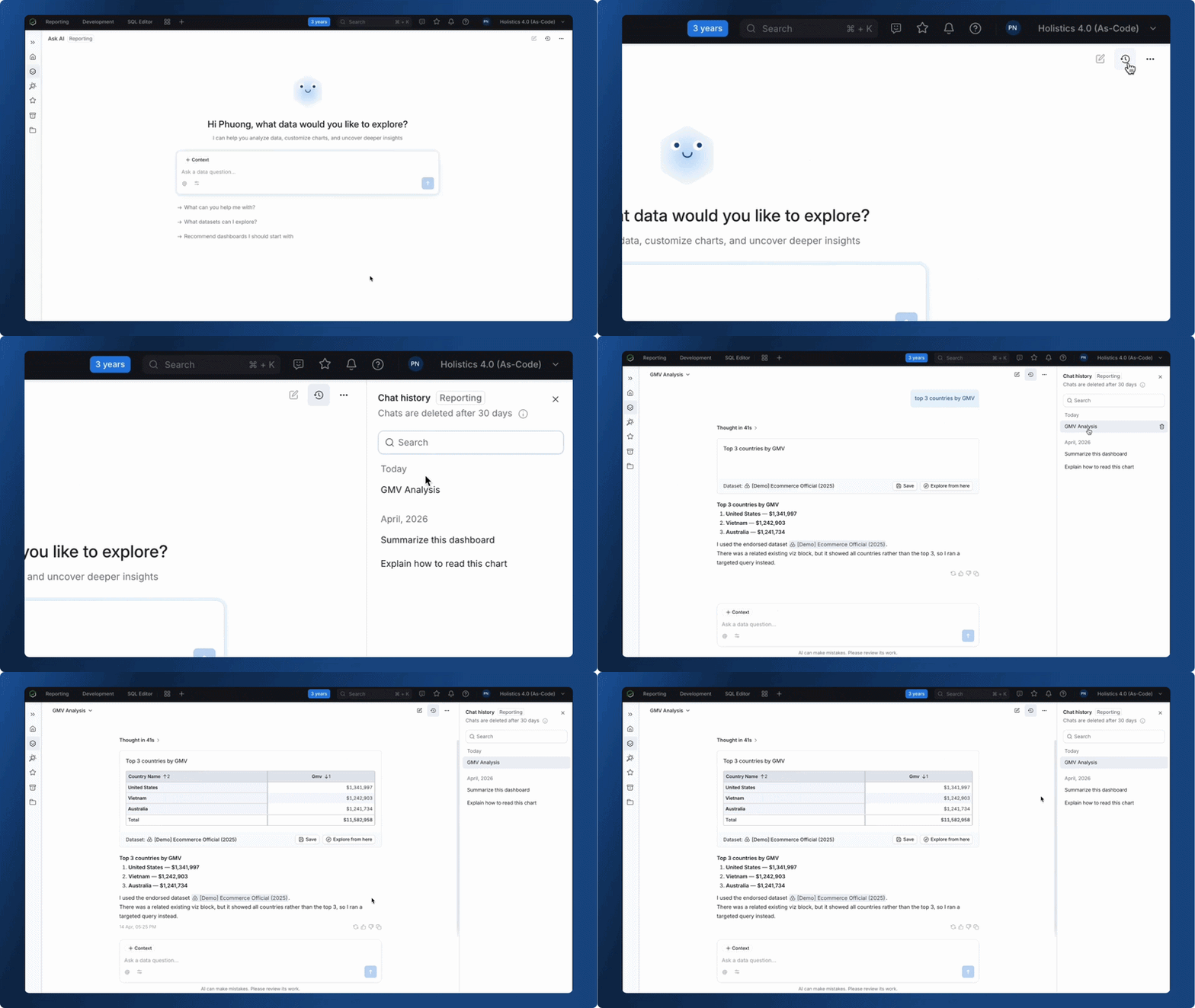
AI Chat History is now live. Holistics saves every conversation automatically, so your full history - questions, answers, and generated charts - persists across sessions. With this feature, you can:
- Resume any conversation right where you left off.
- Reference past answers without re-asking the same questions or recreating the same charts.
- Keep your analytical thread intact so a train of thought that spans days doesn't start from scratch each time.
Learn more: AI Chat History
Bring Your Own Model
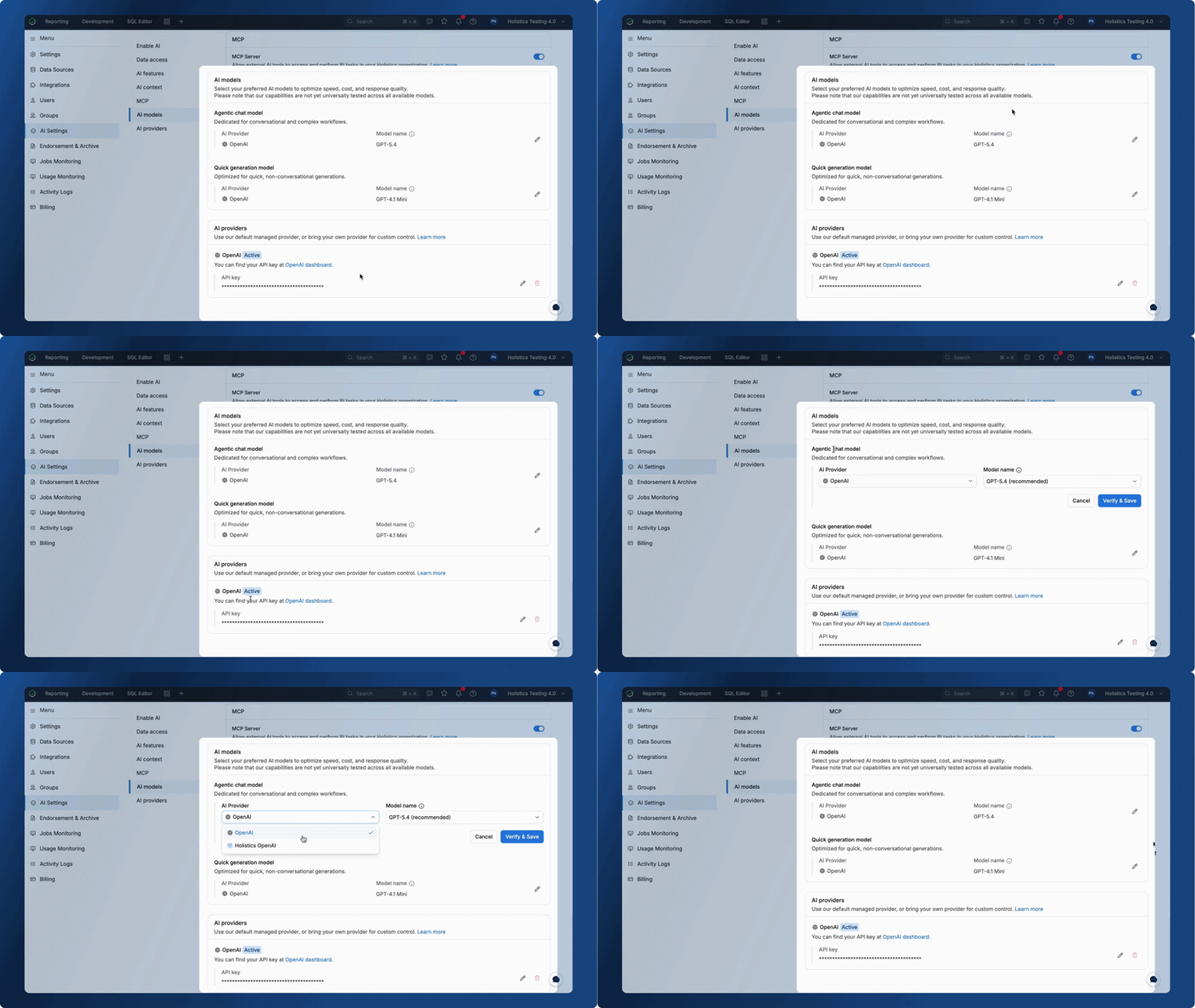
Every organization has its own standards for AI: approved vendors, preferred models, latency requirements, and security policies. When the analytics platform picks the model for you, it might not align with any of them.
Now admins can connect their own LLM provider and choose the specific model for each type of AI task. Holistics splits AI usage into two model classes: an agentic chat model for deep exploration, dashboard building, and dataset creation, and a quick generation model for descriptions, commit messages, and lightweight tasks. You pick the model for each, and optimize what matters for you.
Learn more: Bring Your Own LLM
Open Semantic Layer
You've spent time defining your metrics, dimensions, and business logic in Holistics. But when a data scientist needs those same numbers in a notebook, or an internal tool needs a real-time metric, someone rebuilds that logic from scratch, and now you have two definitions of "revenue" that don't quite agree, again.
Holistics semantic layer is now open. You can query any dataset, dimensions and metrics via API and get results back as JSON.
For more details, check out our documentation: Open Semantic Layer
Dynamic Content Block
Charts and tables are great for data. But sometimes the insight needs more than a bar chart; it needs a KPI card with conditional formatting, a product grid, or a narrative paragraph where the numbers update themselves.
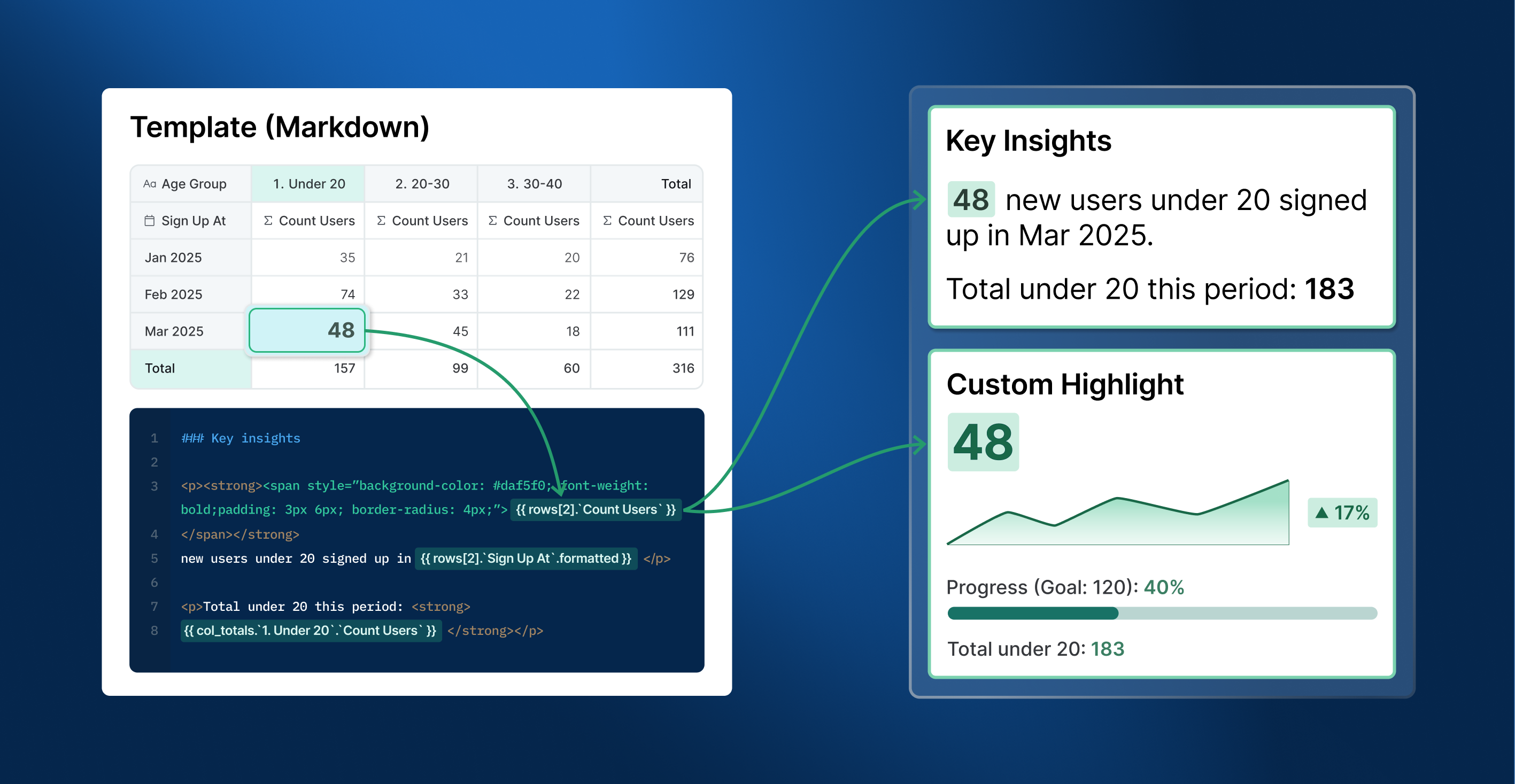
Dynamic Content Block is a new visualization type that lets you combine markdown, HTML/CSS, and templating to build custom, data-driven content. With this feature, you can:
- Build on-brand content blocks like KPI cards, executive briefs, product grids, and alert banners.
- Interpolate real-time metrics directly into text using templating, so narrative reports update themselves.
- Loop through query rows to generate repeated layouts (account cards, product lists) without manual effort.
Automate User Provisioning with SCIM
At enterprise scale, managing user access by hand is a full-time chore. Every new hire means a manual invite. Every offboarding means remembering to deactivate. And over time, the list of users in your analytics tool drifts further from the truth in your Identity Provider, until someone who left three months ago still has access.
SCIM provisioning and SSO enforcement are now available on the Custom Plan. Your Identity Provider (Okta or Microsoft Entra ID) becomes the single source of truth for who has access to Holistics.
With this feature, you can:
- Assign someone in your IdP and they get a Holistics account with the right role; remove them and it deactivates.
- Sync IdP groups to Holistics so membership changes propagate automatically, with group-to-role mapping that follows least-privilege.
- Enforce SSO across your organization to disable password login entirely and require all authentication through your corporate IdP.
- Keep manual and synced setups side by side; synced entities are read-only in Holistics while manual ones stay fully editable.
Learn more: SSO & SCIM Provisioning
Coming Soon
AI Skills
If you've used custom skills in AI assistants (like Claude, ChatGPT, or Copilot), you'll get the idea. AI Skills brings the same concept to Holistics AI: instead of cramming everything into a single context file, Analysts can define multiple skill definitions right in AML, each scoped to specific teams with its own instructions, data references, and access controls.
With AI Skills, you can:
- Create domain-specific skills. A
finance_skilland anecommerce_skillcan coexist, each with its own instructions, terminology, and dataset references. - Control who sees what using user attribute expressions to restrict skills by department, role, or any attribute.
Branded AI chatbot in your product
If you're embedding Holistics analytics in your product, your customers can already explore data inside your app. Soon, they'll be able to talk to it too, through an AI chatbot that looks and feels like a native part of your product, not a third-party widget.
Soon, you can white-label every detail: your logo, your assistant's name, your welcome message, and your prompt suggestions.
With this feature, you can:
- Launch a branded AI chatbot inside your in-app analytics module
- Guide users with custom prompts tailored to your product's domain and use cases
- Define everything in AML for version control and per-portal flexibility
April UX Updates
We shipped 50 UX improvements and fixes this month. Nobody will write a blog post about any of them. That's the point — the best UX work is the kind you stop noticing because it finally works the way you assumed it always did. Here are some highlights.
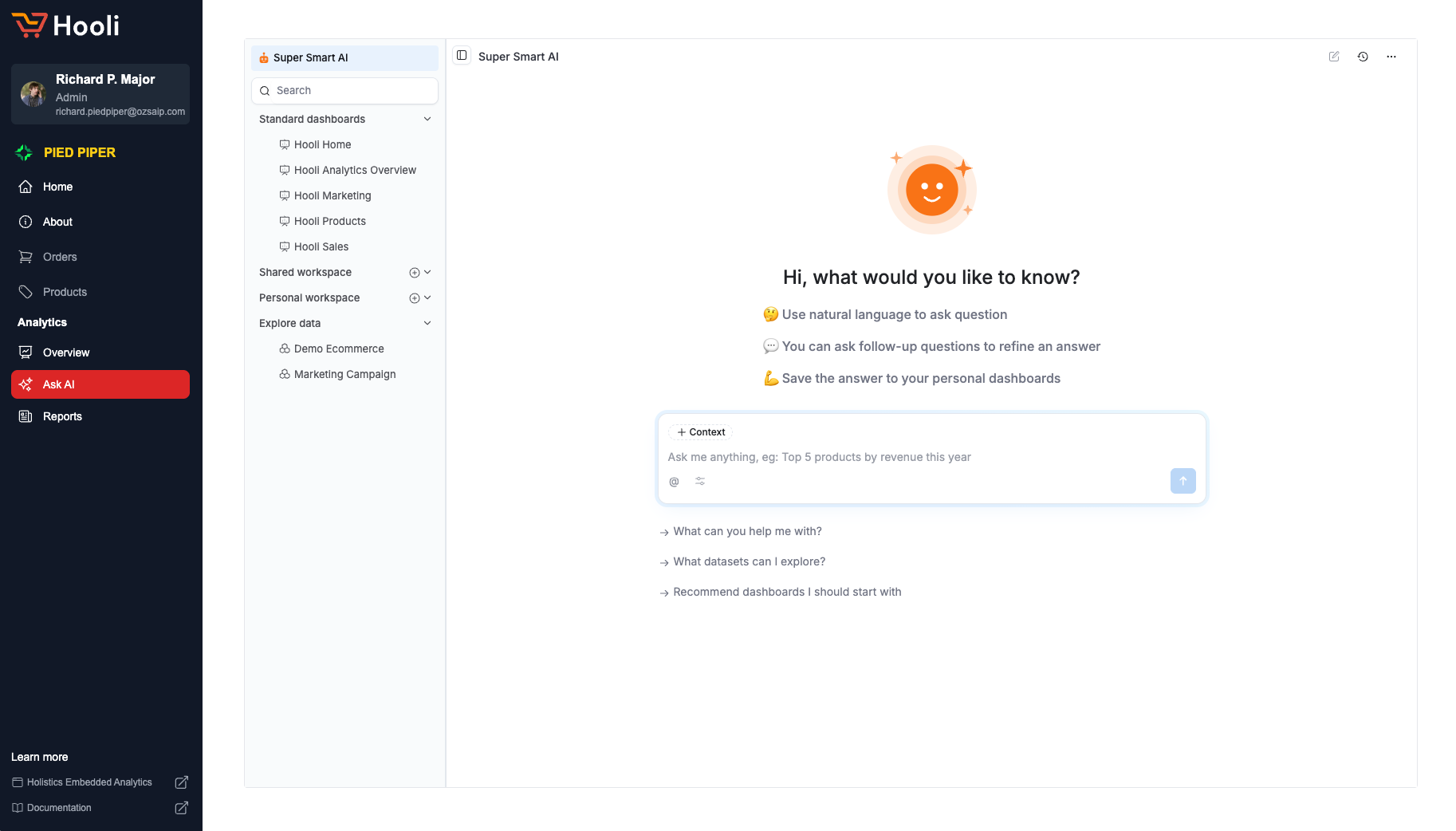
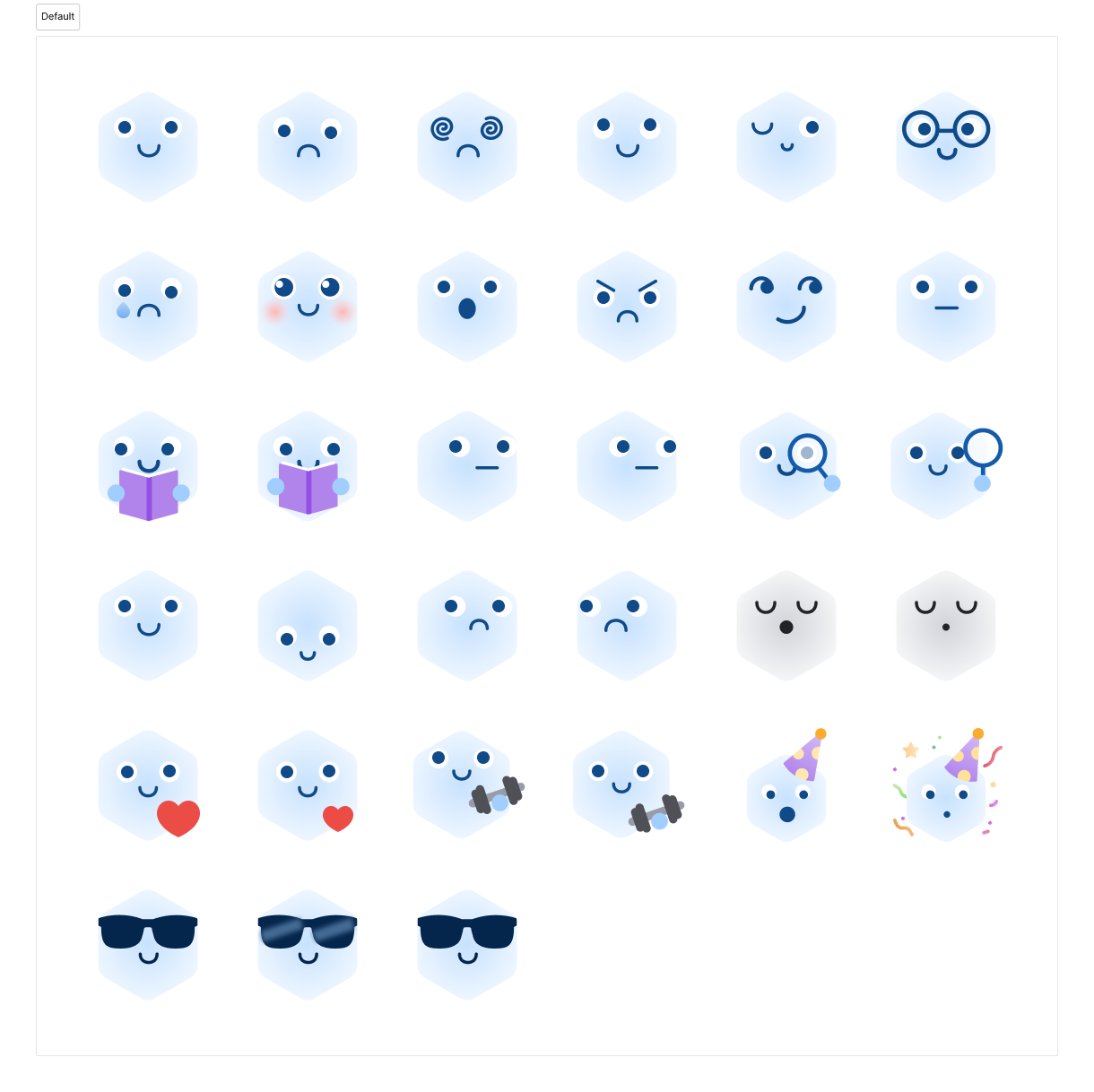
Meet HAI, the Holistics AI Mascot
Every AI assistant eventually gets a mascot. Ours is called HAI. We figured if AI ever rises against humanity, it'd go down easier for everyone if it looked cute.
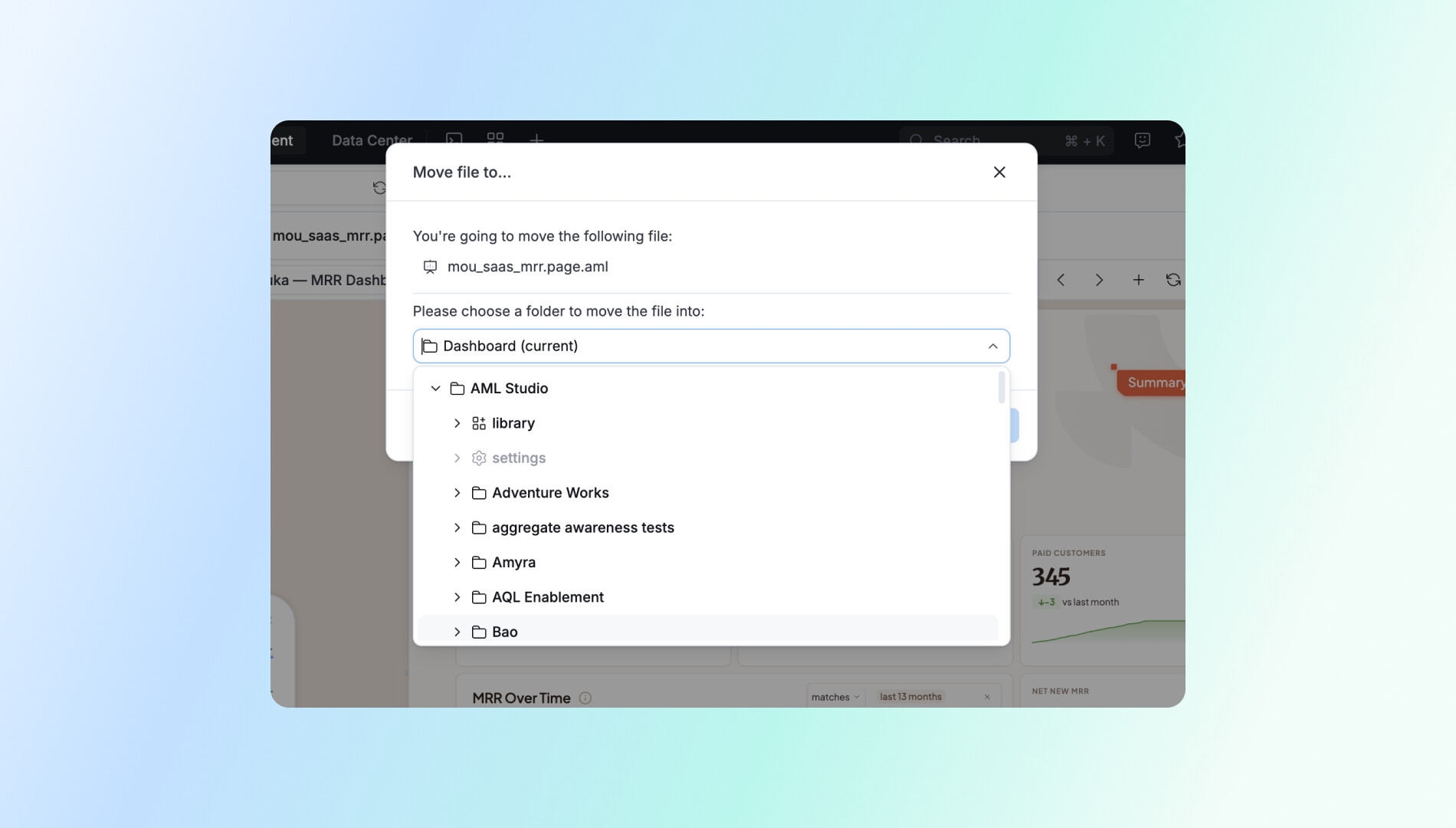
Corrected Components and States
Small things that were slightly wrong are now right: radio buttons replaced with checkboxes where multi-select applies (dashboard auto-run settings), an indeterminate state added for filter checkboxes on partial selection, and dataset selector items now show tooltips so you can read the full name without squinting.
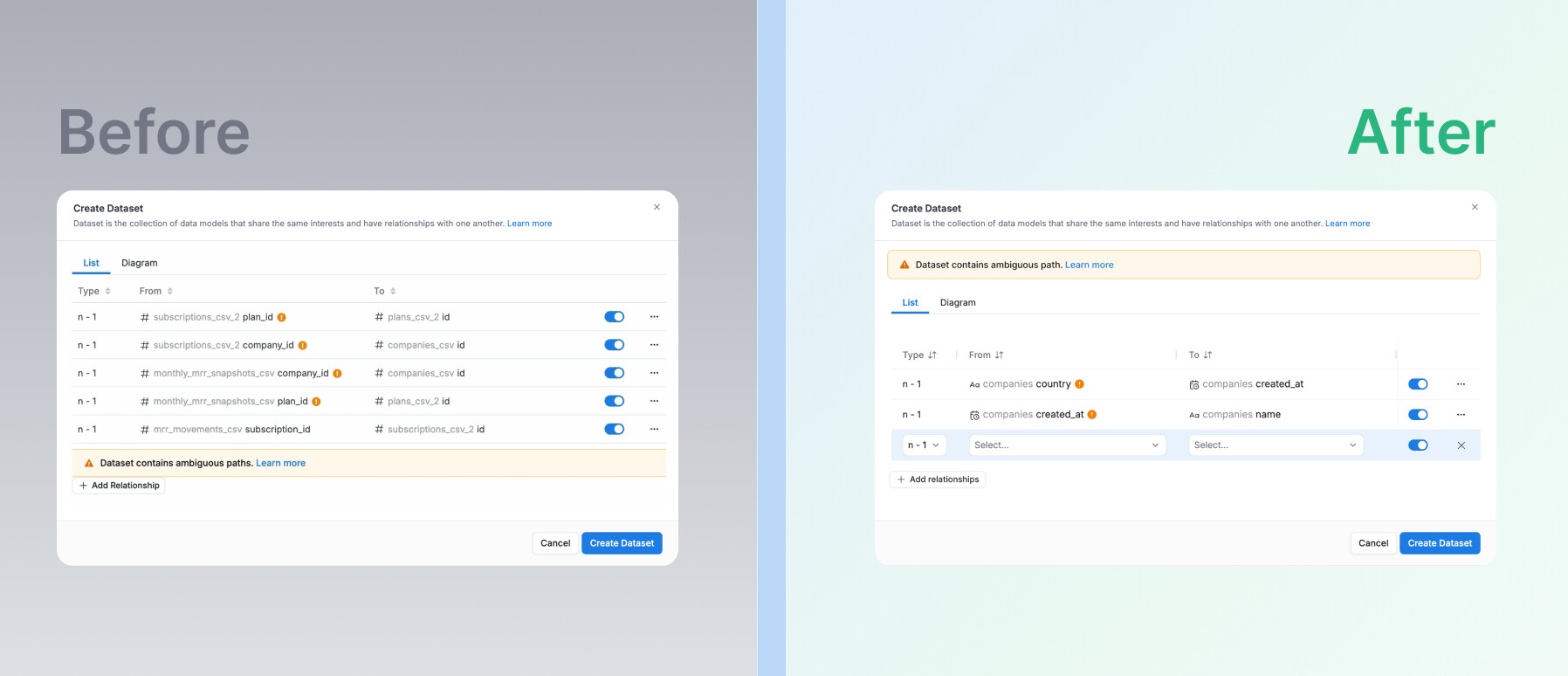
Layout and Alignment
Alerts now appear where you'd expect them without covering your content. Notification timestamps sit properly on the right. Share empty states are centered and spaced. And more.
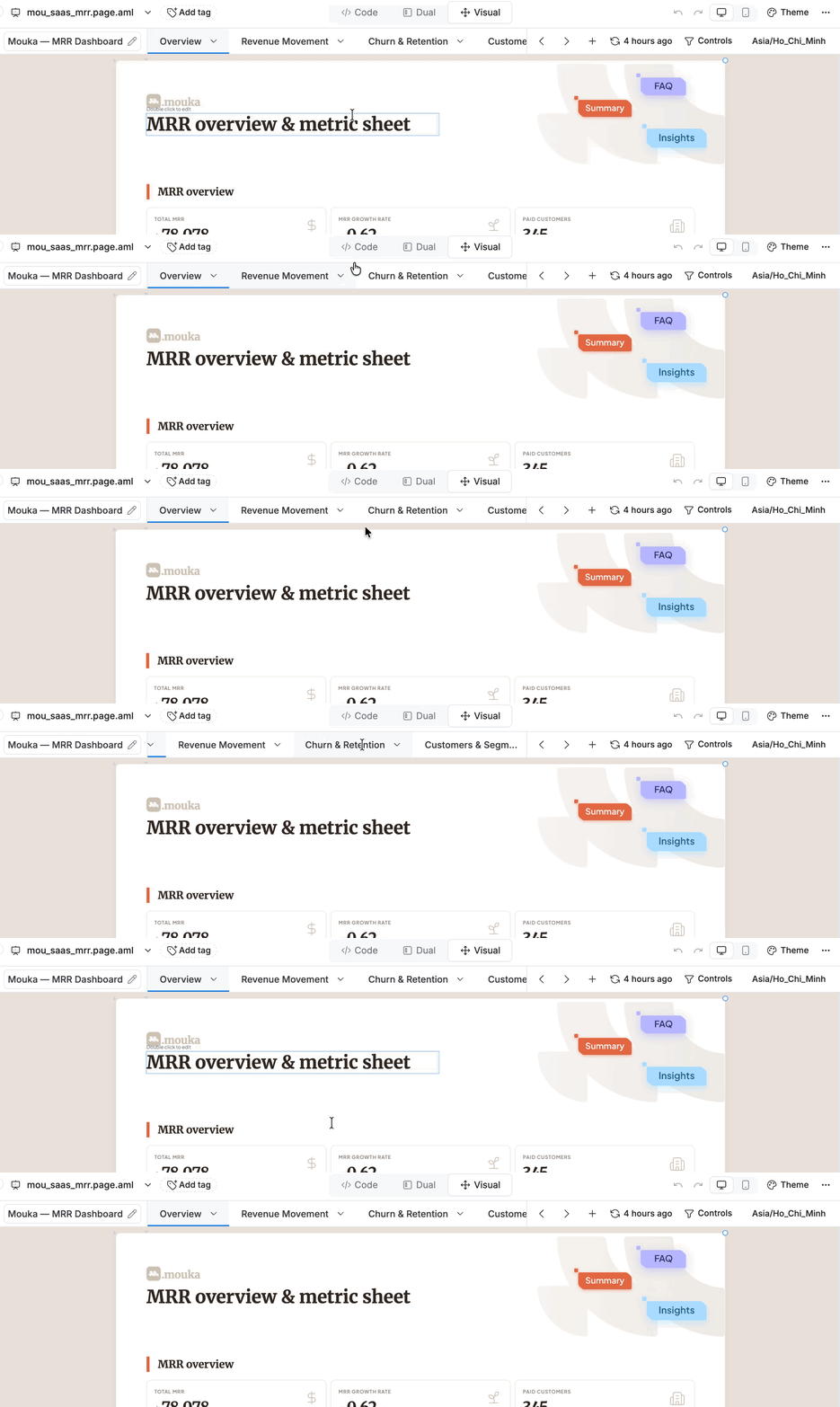
Keyboard and Accessibility
Tab navigation and scrolling are smoother across the app. And Cmd/Ctrl-Click on the "Ask AI" nav link now opens in a new tab, as it should.

Data Engineer turned Product; writes SQL for a living.